Product guide
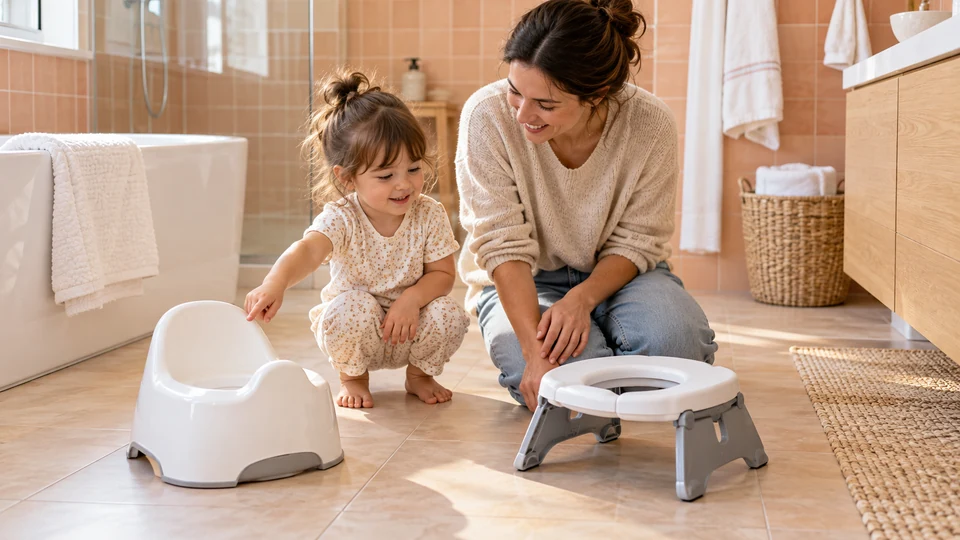
Which potty is right for potty training at home or on the go?
Research-based reviews of two different potty formats, with features, tradeoffs, and product links.
Read the guideLittle Wins Parent Club
Schedule, Snacks and Sanity: It’s the little wins in life.
The kids are hungry, the laundry is multiplying, and somebody’s school project is due tomorrow—apparently. Little Wins puts meals, activities, routines, and tasks in one place, so you can spend less time trying to remember everything and more time celebrating the little wins.
Free to start. Use it in your browser or install it when you’re ready.

Start with our featured product guides, then browse practical answers by child age, family needs, or topic.
How Little Wins Works: Find an idea open its app tool make it part of today’s plan.
Clear, research-based guides to help you decide what may fit your family—and what can wait.
Research-based reviews of two different potty formats, with features, tradeoffs, and product links.
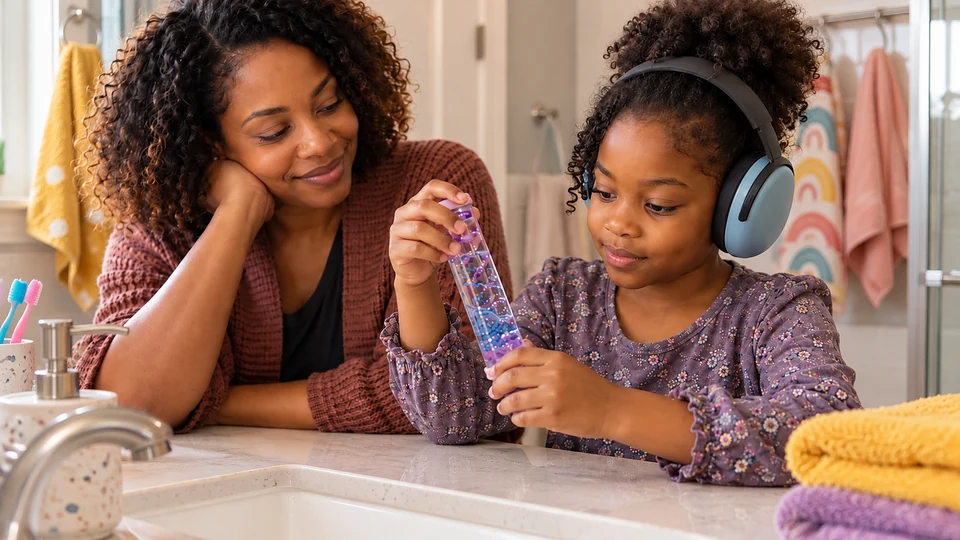
Read the guideA child-led look at sensory supports, with optional links to hearing protection and fidget tools. Sensory preferences differ, so no product is right for everyone.
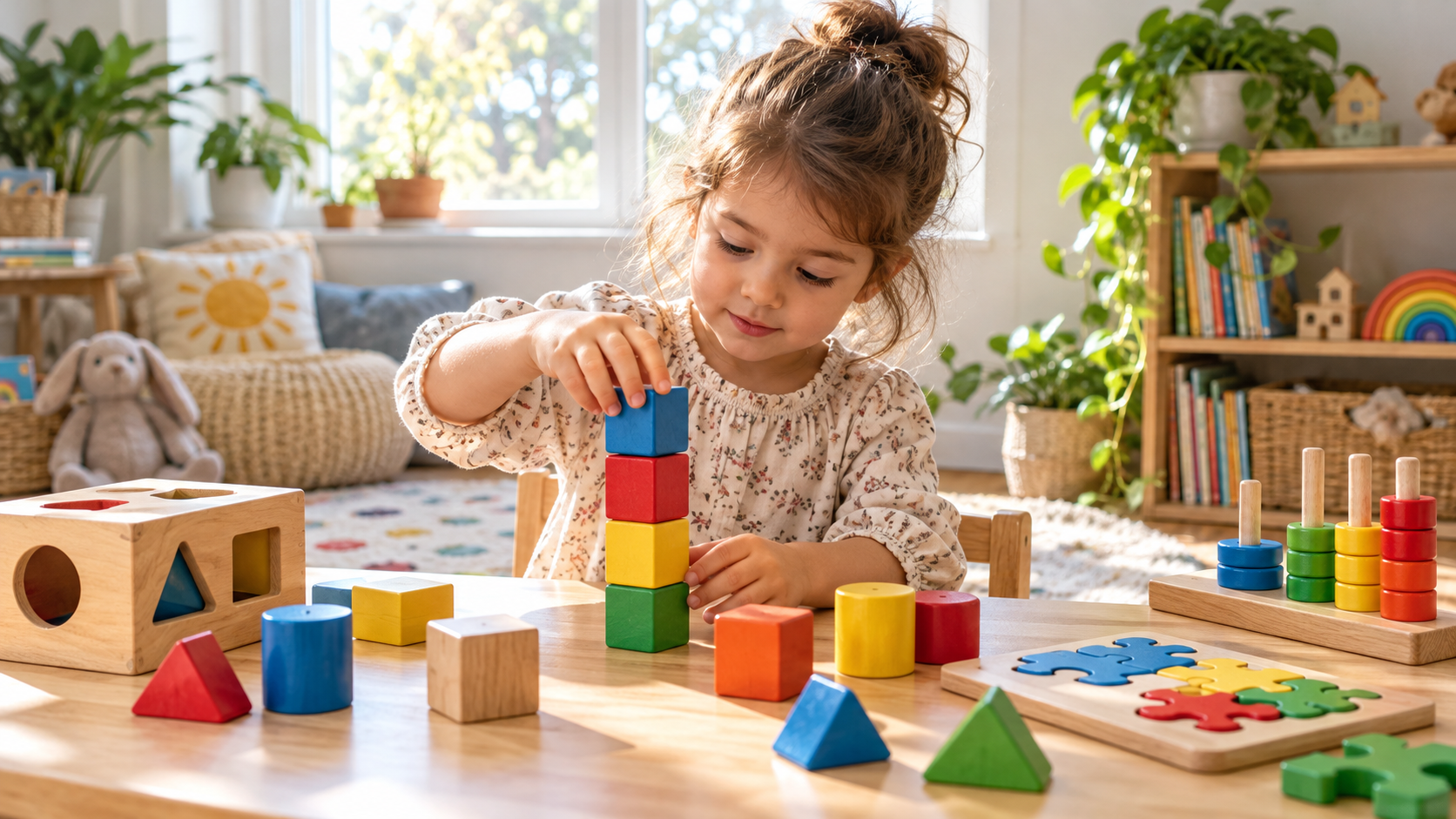
Read the guideA practical guide to open-ended preschool play materials, with researched links to wooden blocks and washable crayons.
Read the guideThese guides use research and manufacturer information, not hands-on testing. Manufacturer links are available now; affiliate links may be added after program approval. Any commission relationship will be disclosed. Read the full disclosure.
THE LITTLE WINS COMPANION APP
Someone needs a snack. Dinner needs deciding. Your to-do list is living in your head. Give it a place to land—with a planner made for real family life.
Free to start · No ChatGPT account needed · Installation is optional

Free Little Wins includes two child profiles, daily tasks, meals, grocery planning, activities, and gentle routines. You can explore every age stage. Create an account with your email to save your plan; sign in to the same account and reload on another device to load it. Check the app’s saving status before closing.
Optional monthly packages offer extra features, with secure Stripe checkout and account billing controls. See packages in the app.
A quick animated tour helps new accounts get started. You can also choose Take a Quick Tour on the homepage. Install Little Wins from the app whenever you want a home-screen shortcut.
Explore by topic
Read practical ideas first. Use the smaller app link to put one into action.
40 family recipe ideas for breakfast, lunch, dinner, and dessert.
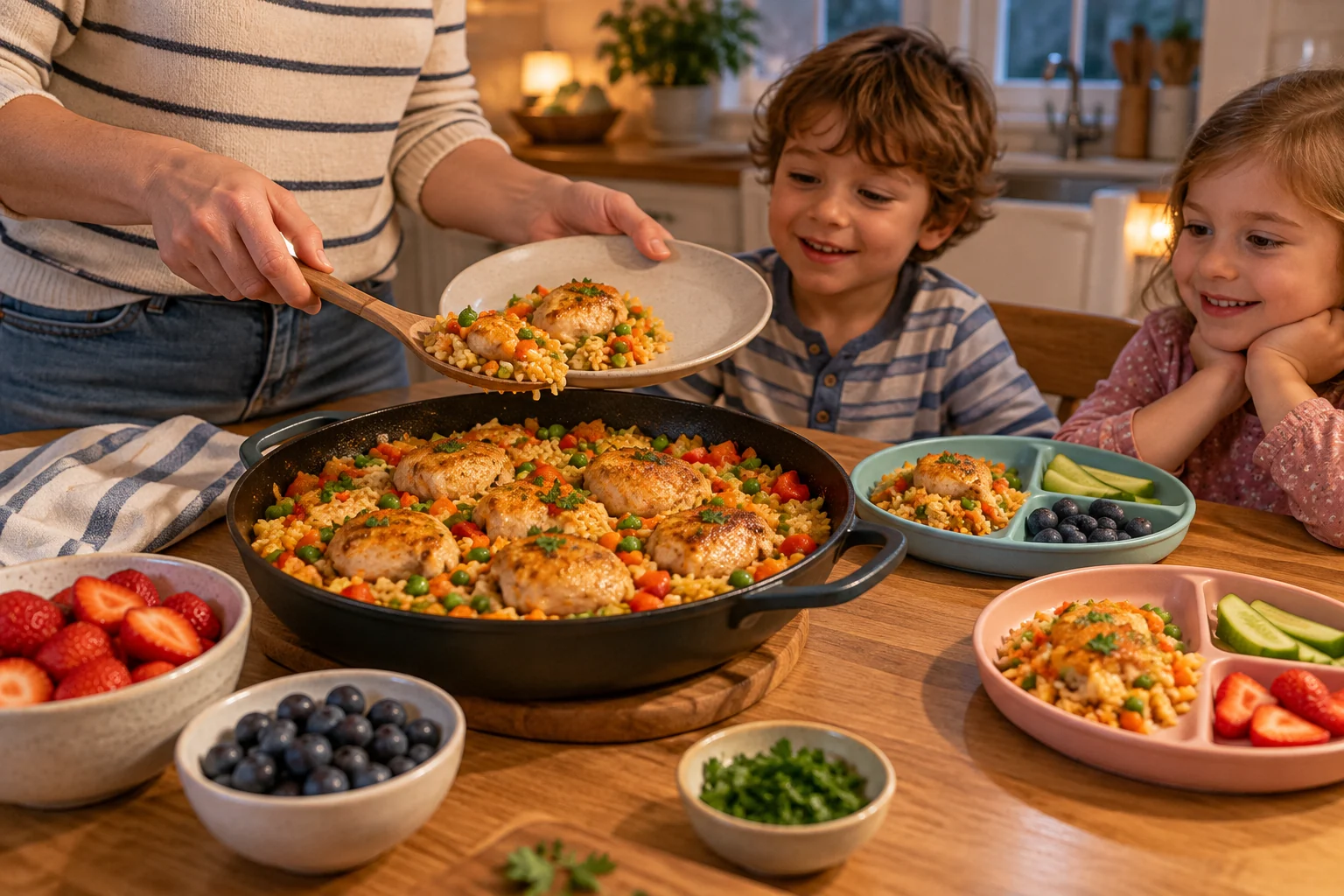 Plan Meals & Groceries →
Individual connection, shared logistics, and care for you while raising twins, triplets, and more.

Affirming ideas and support for different ways of thinking, feeling, learning, and connecting.

Morning and night routines, a two-minute reset, and room to ask for support.
2026 trend inspiration, official favorites, and unisex name inspiration.

Coming soon: a place to connect with parents who get it. New discussions are paused while email-based access and moderation are prepared.

I’m a mom of four—one teenager, one tween, and preschool-age boy–girl twins. I created Little Wins because parenting comes with daily pop quizzes: “What’s for dinner?” “Where are your shoes?” “How are we hungry again already?” I wanted one simple place to keep track of the day’s tasks, meals, routines, and activities—without turning family life into a second job.
Read how Little Wins began
Join the waitlist for one free parenting article each week. Email delivery will begin after our email service is connected.
This collection combines everyday parenting questions with examples from published 2025 search roundups: infant sleep and spit-up, and understanding teen slang. It is not a live Google ranking or a list of measured search volumes. Read the roundup. New collections address common questions; no current search volumes have been claimed.
Health and development guides link to the American Academy of Pediatrics’ HealthyChildren.org. Each article separates a brief sourced explanation from practical ideas. These guides are general education, not a diagnosis or individualized medical advice.
The free companion app includes two child profiles. Larger families can browse every age stage and use a shared household plan. More saved profiles are shown in the Family Planner preview; checkout is not open yet.
Planner information stays separate from community posts. Browser drafts stay on this device. Account saving requires sign-in and a successful save in the Companion App; check its saving status. Family Circle remains a package preview.
Try starting with three steps you already do, such as washing, brushing teeth, and a story. Adjust the checklist around your household instead of trying to complete every suggested task. Make a small plan.