 Little Wins
Meals & Recipes
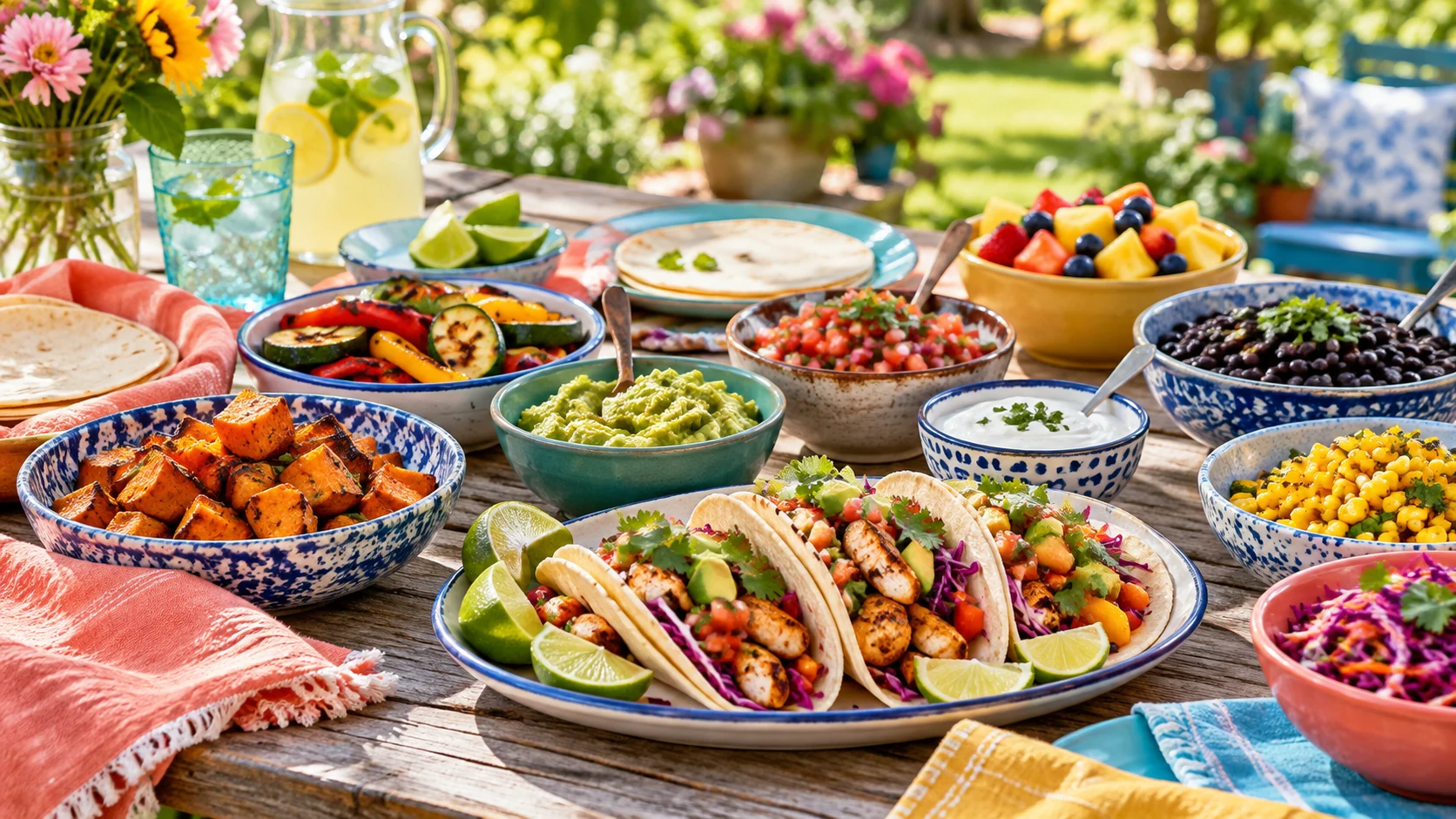
40 family recipe ideas for breakfast, lunch, dinner, and dessert.
 Plan Meals & Groceries →
Little Wins Parent Club
Start small. Make it manageable. Count the Little Wins.
Someone’s stealing cookies. The laundry still needs to be washed. And dinner still hasn’t planned itself. Find easy meals, ideas for your kids, and a free planner that helps you tackle one thing at a time—even when your energy is running on crumbs.
Explore in your browser first. Installation is optional.

Browse practical answers by child age, family needs, or topic.
Explore by topic
Read practical ideas first. Use the smaller app link to put one into action.
40 family recipe ideas for breakfast, lunch, dinner, and dessert.
Plan Meals & Groceries →Individual connection, shared logistics, and care for you while raising twins, triplets, and more.

Affirming ideas and support for different ways of thinking, feeling, learning, and connecting.

Morning and night routines, a two-minute reset, and room to ask for support.

2026 trend inspiration, official favorites, and unisex name inspiration.

Coming soon: a place to connect with parents who get it. New discussions are paused while email-based access and moderation are prepared.

Your next small step
Turn ideas into a task list, dinner plan, groceries, and age-based activities or routines. Low-Energy Day offers short household tasks and optional check-ins. Support options adapt ideas for neurodivergent families and parents of multiples.
Try the Free PlannerFree Little Wins includes two child profiles. Larger families can still browse every age stage and use a shared household task, meal, and grocery plan. Multiples mode adds group ideas, not extra profile slots.
Without signing in, changes remain browser drafts on this device. When you sign in and a save succeeds, profiles, tasks, checklists, and groceries save to that app account. On another device, open the same Companion App, sign in to the same account, and reload to load its saved plan. Check the saving status; updates are not live between devices. Separate journal and template tools may save only in their browser.
The planner is available to explore. Timers, account saving, and Favorites require sign-in. Paid package pages are previews: checkout is not connected and subscriptions cannot be purchased yet.
Compare package previewsStart with one task, pick dinner, or choose an age stage. Open the app’s Tour button whenever you want a walkthrough; you can skip it.
Try the planner first. This adds a website shortcut or web app, rather than an App Store download.
Open Installation HelpIf installation is unavailable, keep using the planner in a browser tab.
I’m a mom of four—one teenager, one tween, and preschool-age boy–girl twins. I created Little Wins because parenting comes with daily pop quizzes: “What’s for dinner?” “Where are your shoes?” “How are we hungry again already?” I wanted one simple place to keep track of the day’s tasks, meals, routines, and activities—without turning family life into a second job.
Read how Little Wins began
Join the waitlist for one free parenting article each week. Email delivery will begin after our email service is connected.
This collection combines everyday parenting questions with examples from published 2025 search roundups: infant sleep and spit-up, and understanding teen slang. It is not a live Google ranking or a list of measured search volumes. Read the roundup. New collections address common questions; no current search volumes have been claimed.
Health and development guides link to the American Academy of Pediatrics’ HealthyChildren.org. Each article separates a brief sourced explanation from practical ideas. These guides are general education, not a diagnosis or individualized medical advice.
The free companion app includes two child profiles. Larger families can browse every age stage and use a shared household plan. More saved profiles are shown in the Family Planner preview; checkout is not open yet.
Planner information stays separate from community posts. Browser drafts stay on this device. Account saving requires sign-in and a successful save in the Companion App; check its saving status. Family Circle remains a package preview.
Try starting with three steps you already do, such as washing, brushing teeth, and a story. Adjust the checklist around your household instead of trying to complete every suggested task. Make a small plan.